Stay Connected & Pay
Best eSIM for China (2026): Compared & Tested
The best eSIM for China is a roaming one: your data leaves through Hong Kong or Singapore, so WhatsApp, Google, Maps and YouTube work from the moment you land — no separate VPN. Here is how to choose one, set it up at home, and dodge the pitfalls first-timers hit.
What is an eSIM, and why a roaming one?
An eSIM is a digital SIM already built into your phone — no physical card to swap. A “roaming” China eSIM does not actually sit on a Chinese network: it borrows an international partner in Hong Kong or Singapore, so the IP is foreign and the Great Firewall does not apply.
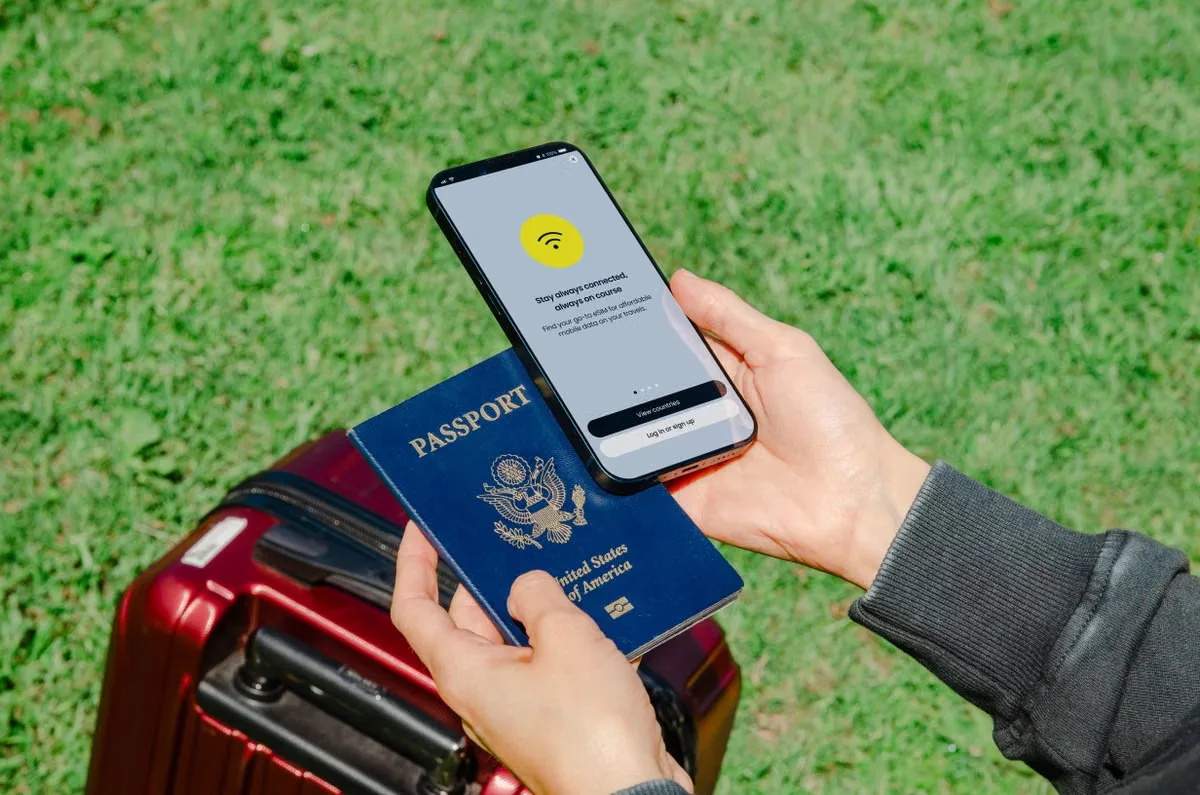
- You keep your physical SIM in for calls and SMS, and use the eSIM just for data.
- Google, WhatsApp, Maps and YouTube work out of the box on landing.
- Setup happens on home Wi-Fi, before you fly, so you are online in the airport.
- Important: it must be a “roaming” eSIM. A mainland-routed China eSIM still hits the Firewall and needs a VPN.
Roaming eSIM vs. local SIM vs. pocket Wi-Fi
For a first trip of one to three weeks, the choice is almost always a roaming eSIM. Here is how the three options stack up on the things that matter.
Setup: Install on home Wi-Fi.
VPN needed: No.
Best for: First-timers who want Google, WhatsApp and Maps on landing.
Setup: Passport at an airport kiosk.
VPN needed: Yes.
Best for: Long stays that need a mainland Chinese number.
Setup: Pick up, carry and charge a hotspot device.
VPN needed: Yes.
Best for: Groups sharing one connection.
Best eSIM providers for China compared
Most of these route your data through an international gateway (Hong Kong or Singapore), so Google and WhatsApp work without a VPN. One caveat: Holafly’s China routing is inconsistent — it usually works, but not always, so keep a VPN as backup. If you are ready to buy an eSIM for China, the practical differences are price, data caps, and how easily you can buy.
How to set up your China eSIM (step by step)
Do everything on home Wi-Fi. The China eSIM card you buy from the providers above is installed but not “active” for data until you turn it on after landing. That means it is safe to set up days before you fly.
- Check your phone is unlocked and supports eSIM. On iPhone, go to Settings → General → About and look for “No SIM restrictions” under Carrier Lock. On Android, dial *#06# and confirm an EID number appears. No eSIM = no install.
- Buy the plan on Wi-Fi at home. Choose a data amount and validity that covers your trip. Some providers email a QR code; Trip.com installs directly in its app.
- Install the eSIM profile. Scan the QR (or tap install in-app). It adds a second cellular plan but does not activate data yet, so it is safe to do before travel.
- Turn it on when you land. In Settings → Cellular, switch the eSIM on, set it as the data line, and enable Data Roaming. Your home apps should connect right away.
Trip.com spotlight: easiest if you book there
Trip.com’s China eSIM uses international roaming agreements that route your data through nodes like Hong Kong or Singapore. Because it is a licensed roaming service, Google, WhatsApp, Instagram and YouTube work without any VPN. It partners with China Mobile and China Unicom for 5G, and offers 24/7 English support inside the same app you already use for flights and hotels.
One thing to know: because the IP is roaming, a few China-only services that need a mainland IP (some local mini-programs, certain ride-hailing) may be unreliable on the eSIM line. Use your main connection for those.
How much eSIM data do you need for China?
Most visitors over-buy. For any China travel eSIM, a rough guide for a one to two week first trip:
Quick checklist
Before you fly — 60 seconds
Run through this on your home Wi-Fi the day before you leave.
- Phone is unlocked and shows an EID (or “No SIM restrictions” on iPhone).
- Plan bought, QR saved or app login ready.
- eSIM profile installed (but data not yet active).
- Know which line to set as cellular data and where to flip Data Roaming on.
Common questions
Can I keep my regular number for calls?
Yes. An eSIM is a second line. Keep your physical SIM in for calls and SMS, and use the eSIM just for data (with roaming on).
Do I still need a VPN?
Usually not. A roaming eSIM already routes your data through Hong Kong or Singapore, so Google, WhatsApp, Instagram and YouTube work out of the box. See our China VPN guide if you want a backup for work or streaming.
What if it will not connect when I land?
Confirm Data Roaming is on and the eSIM is set as the cellular-data line. If the phone asks for an APN, the provider’s instructions will list it. Trip.com’s in-app support can walk you through it live.
Can I tether or use the eSIM as a hotspot?
Most roaming eSIMs allow tethering, but some providers (especially unlimited plans) throttle or block hotspot use. Check the small print before you buy if tethering matters.
Does the eSIM work in Hong Kong and Macau too?
Yes, if you buy a “Greater China” or “Asia” plan. Most of the four providers on this page include Hong Kong and Macau in their China roaming plans, which is handy for the Hong Kong to Shenzhen border crossing.
What if my phone does not support eSIM?
iPhone 14 and later in the US are eSIM-only, but every iPhone since the XR supports eSIM. Most Android phones from 2019 onwards do too. If yours does not, your two real options are a pocket Wi-Fi or buying a local SIM at the airport, both of which need a VPN for Western apps.
Online sorted — now set up payments and maps
With data handled, the next step is Alipay, the metro card, and the China-specific map apps. Our digital setup hub links them all, and if you want a day-by-day plan, our custom China itinerary service strings it together for you.