China SIM Card Guide (2026): Where to Buy & Cost
A working phone is the first thing every foreign visitor to China needs. Alipay and WeChat Pay work with a foreign phone number and passport — no Chinese number is needed for basic setup. A few apps (Didi ride codes, Meituan) send SMS more reliably to a local +86 number, so a travel eSIM plus an optional local SIM is the smoothest setup. This China SIM Card Guide walks you through how to buy and register a SIM card in China as a foreign tourist in 2026 — the real-name rules, the three carriers compared, what a tourist SIM actually costs in RMB, and the SIM vs eSIM decision that determines what you can install at the airport.
Compare eSIM vs SIM → Get the free checklistDo you actually need a local SIM card in China?
Probably yes if you are staying more than three or four days, and yes if you plan to use Alipay, Didi, or Meituan. A local Chinese SIM gives you a +86 number for SMS verification, cheap domestic data, and the ability to make local calls. The catch: a local SIM routes through China’s domestic networks, so Google, Gmail, WhatsApp, Instagram, and most Western apps are blocked by the Great Firewall.
- Staying 7 days or less and only need data → a travel eSIM (Holafly, Nomad, Airalo) is the simplest. It bypasses the firewall, no registration counter, no passport scan.
- Staying 1 to 4 weeks and need a Chinese number for Alipay / WeChat / Didi → a local tourist SIM from the airport or a downtown carrier store.
- 1 to 2 days with a generous budget → international roaming on your home SIM. Easiest, most expensive (about $10 a day with most carriers).
- Traveling as a group with heavy data needs → a portable Wi-Fi hotspot shared across phones.
The three carriers: China Mobile, China Unicom, China Telecom
Three state-owned carriers run the mainland China mobile network. As a foreign tourist, the difference between them is mostly about which one has a kiosk with English-speaking staff near your hotel and which one has the plan you want. Here is the honest take.
- China Unicom (中国联通) — the foreign-friendly default. The widest airport presence, the most basic-English-speaking staff, and the most tourist-focused plan lineup. Choose Unicom if you are buying at the airport on arrival and want the least friction.
- China Mobile (中国移动) — the coverage leader. The largest network by area, including the best 5G coverage in rural regions and on high-speed rail. Worth it if your trip goes beyond the tier-1 cities (Beijing, Shanghai, Guangzhou, Chengdu).
- China Telecom (中国电信) — the value pick in cities. Cost-effective short-term packages and reliable urban speed. Less English support at kiosks, but plans are usually a little cheaper than Mobile or Unicom for the same data.
For most first-timers, Unicom is the right answer. For rural-heavy routes, switch to Mobile. For a longer urban stay on a budget, Telecom.
Where to buy: airport, downtown store, or pre-order online
You have three reliable channels. Each has trade-offs in price, wait time, and English support.
- Airport kiosks (recommended on arrival). Beijing PEK, Shanghai PVG (Terminals 1 and 2), Guangzhou CAN, Chengdu TFU, and other major hubs have official China Mobile / Unicom / Telecom counters in baggage claim and arrivals. Most are open 7 a.m. to midnight, some 24 hours. Plans are listed in English, staff will scan your passport and do the facial-recognition check on the spot. The trade-off: airport prices are 10 to 40 percent above downtown for the same plan, and the line adds 10 to 20 minutes to your arrival.
- Downtown carrier stores (营业厅). China Unicom and China Mobile have 1,400+ service outlets nationwide that accept foreign passport applications. Search “China Unicom service center” or “China Mobile service center” in your map app. The wait is usually 3 to 5 minutes at the bigger city-center branches, the plan menu is wider (including long-stay packages), and prices are lower than the airport.
- Pre-order online (best if you want zero airport wait). Trip.com and similar platforms sell China tourist SIMs and eSIMs with English support, global payment, and airport pickup or hotel delivery. You submit your passport details at checkout for remote real-name registration, then collect the physical SIM at the airport counter or have it delivered. CMLink (China Mobile’s overseas store) ships internationally (UK, Canada, Singapore, Malaysia, and more) before you fly.
- Convenience stores — skip as a primary option. Some 7-Eleven and FamilyMart outlets in tier-1 cities sell basic data-only prepaid SIMs, but stock and English support are limited. Use them as a last resort, not a plan A.
Real-name registration: what to bring and what to expect
Real-name registration applies to SIMs and eSIMs bought from Chinese carriers inside China (at the airport counter or their domestic platforms). A travel/roaming eSIM you pre-buy from Airalo, Holafly or Nomad is issued by a foreign operator and is not subject to China’s real-name rule — no passport scan needed. If you do buy a local SIM at the airport, bring your passport; the counter process takes 10–20 minutes.
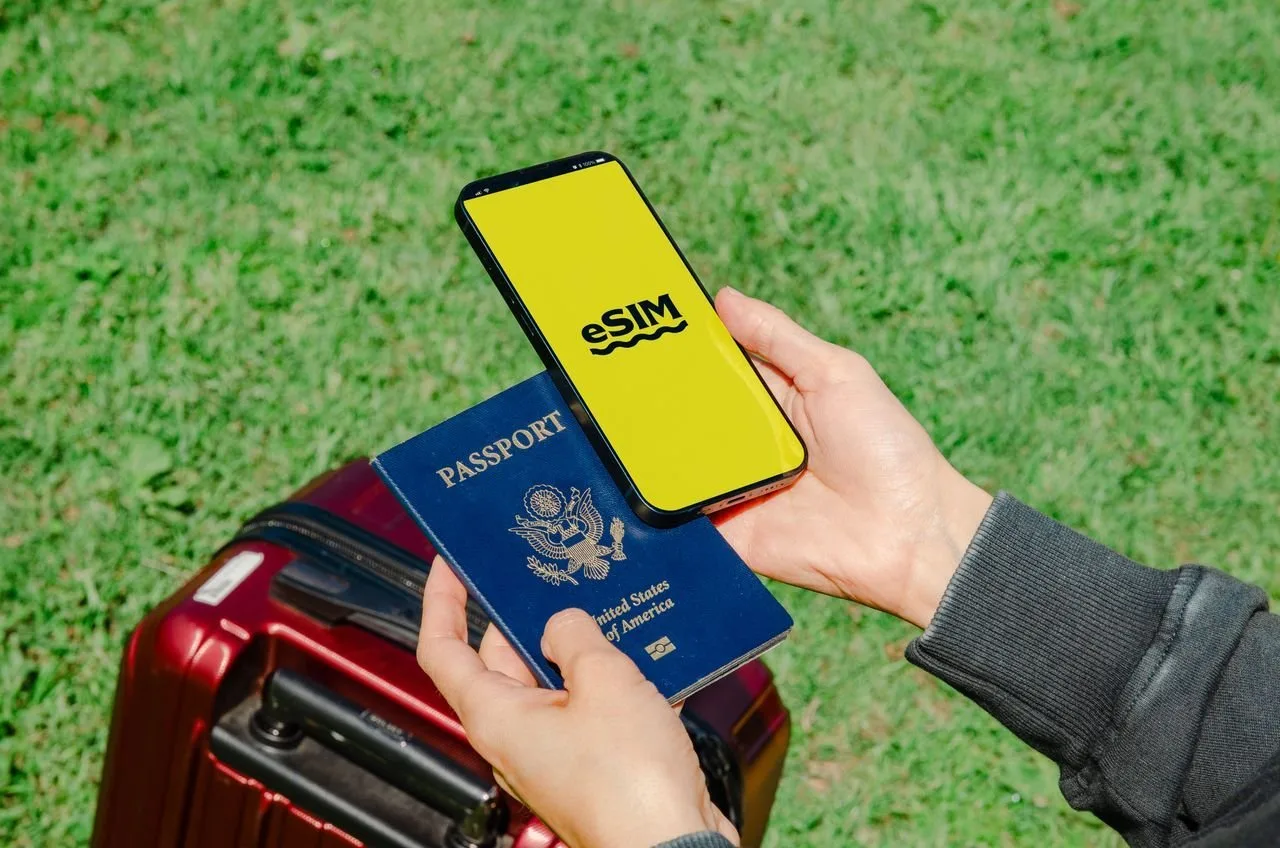
- Physical passport with more than 6 months of remaining validity. The counter will scan the photo page. A photocopy or a digital scan on your phone is not accepted for the scan — bring the actual book.
- Unlocked phone that supports China’s 4G / 5G bands. Most international phones do. A carrier-locked phone from your home country will not accept a Chinese SIM at all.
- Facial recognition. On-site staff will take a quick photo for the carrier’s real-name database. This is required by regulation, not optional.
- One passport can hold several SIMs — but expect one at the counter. Real-name registration ties every SIM to your passport, and under China’s rules a single passport can register up to 5 SIMs in total (across carriers). In practice most airport counters issue a single tourist SIM per visit, so plan on one line for a typical trip and just ask the counter if you genuinely need more.
The US iPhone trap: Chinese carriers do not sell eSIM profiles to short-stay foreign visitors. Every iPhone sold in the United States since the iPhone 14 has no physical SIM tray. If that is your phone, a local Chinese SIM is physically impossible — you need a travel eSIM (Holafly, Nomad, Airalo) delivered by email, and you can skip the rest of this page.
China SIM Card Guide: 2026 prices in RMB
Prices vary by city, carrier, and counter, but recent on-site reports from 2026 give a reliable ballpark. All prices below are in RMB and are reference only — confirm the current price at the counter before you pay.
- Airport 7-day plans — about 80 to 150 RMB for 5 GB and minimal minutes. Fine for a short stopover.
- Airport 14-day plans — about 150 to 250 RMB for 15 GB. The sweet spot for a one-city week.
- China Unicom 30-day standard — about 99 RMB for 20–30 GB + 30 domestic minutes. The default choice for a two-week multi-city trip.
- China Unicom 30-day high-data — about 200 RMB for 100 GB + unlimited local calls. Heavy-use, hotspot, navigation + music all day.
- Downtown carrier store (same plan, same carrier) — typically 10 to 40 percent cheaper than the airport for the same data package. Worth the subway ride if you arrive during the day.
Top-up after activation is straightforward: the carrier’s own app, Alipay, WeChat Pay, or any convenience store. Some tourist SIMs auto-renew the data package at the end of the validity period — check in the carrier app whether yours does, and disable auto-renew there if you do not want a surprise charge.
Activation: settings, APN, and your +86 phone number
If the counter staff set everything up, your phone will be online within a minute of leaving the kiosk. If you are doing it yourself (online pre-order, or a SIM you bought separately), the activation is the same on iPhone and Android.
- Insert the SIM using the ejector tool in the box. Power the phone on.
- Settings → Mobile Data (or Cellular): toggle Mobile Data on.
- Settings → Data Roaming: turn it on — but only on this China SIM line. Leave Data Roaming off on your home line so you do not trigger international charges. Tourist and pre-paid lines register as roaming by default.
- Network mode: prefer 4G / LTE. 5G auto-falls-back where it is not available.
- APN: usually auto-configures within 1 to 3 minutes. If it does not, the carrier’s app will push the correct APN profile, or staff at the counter can write it for you.
- Your +86 number is printed on the SIM packaging (an 11-digit number starting with 1). Save it as your China contact before you leave the airport.
No signal after 5 minutes? Toggle airplane mode on and off once. If the carrier name shows in the status bar but you still have no data, double-check Data Roaming is on and the APN field is not blank.
SIM vs eSIM: which one should a first-timer actually use?
The honest answer for most first-timers is both, on a dual-SIM phone. A travel eSIM (Holafly, Nomad, Airalo) for data, and a local Chinese SIM for the +86 number. Here is why, and when one alone is enough.
- Local Chinese SIM gives you a +86 number, cheap domestic data, and local calls / SMS. It is what Alipay, WeChat, Didi, and Meituan want for verification. It cannot reach Google, WhatsApp, or Instagram without a separate VPN.
- Travel eSIM (from a non-mainland provider) routes your data through overseas servers, so Google Maps, Gmail, WhatsApp, and Instagram all work without a VPN. Most travel eSIMs are data-only — they cannot receive the SMS codes some Chinese apps still ask for.
- Dual SIM (eSIM + local SIM) is the most reliable 2026 setup: travel eSIM for data + Google Maps, local SIM for SMS verification and cheap domestic calls. Costs roughly 200 to 300 RMB for the SIM plus 25 to 60 USD for the eSIM.
- Single eSIM only works if you can install Chinese apps without a +86 number (most Western travelers can, with some workarounds) and do not need local calls.
Your China SIM card checklist
Run through this the week before you leave. It is the difference between a 5-minute airport pickup and a 45-minute scramble at a kiosk you cannot read the sign on.
- Passport is valid for more than 6 months — bring the physical book, not a photocopy.
- Phone is unlocked and supports China’s 4G / 5G bands. Confirm with your home carrier by message if unsure.
- Phone has a physical SIM tray. US iPhone 14 / 15 / 16 do not — book a travel eSIM instead.
- Decide your plan: travel eSIM only, local SIM only, or both on a dual-SIM phone.
- Pre-order online (Trip.com, CMLink) if you want zero wait at the airport, or note the airport counter location in your arrival terminal.
- Screenshot or save your hotel address in Chinese characters for the taxi / Didi driver.
Three ways to stay connected in China
China SIM card FAQ
Can a foreigner buy a SIM card in China?
Yes. Foreign tourists can buy a prepaid China SIM with a +86 local number, but you must complete real-name registration with your physical passport and a facial-recognition check. The SIM is available at airport kiosks in arrivals, official China Mobile / Unicom / Telecom stores downtown, and via pre-order platforms like Trip.com for airport pickup or hotel delivery.
Do I really need a Chinese SIM card if I already have a travel eSIM?
A travel eSIM covers your data and bypasses the Great Firewall, but many Chinese apps (Didi, Meituan, some Alipay and WeChat Pay verifications) still need a +86 number to receive an SMS code. If you have a dual-SIM phone, the most reliable setup is a travel eSIM for data plus a local Chinese SIM for the number and SMS. If your phone only takes one SIM and you will not verify Chinese apps, the eSIM alone is enough.
Why does my iPhone not work with a Chinese SIM card?
Every iPhone sold in the United States since the iPhone 14 has no physical SIM tray — it is eSIM-only. Chinese carriers do not sell eSIM profiles to short-stay foreign visitors, so a US iPhone 14 / 15 / 16 cannot use a local Chinese SIM at all. Check for a tray before you plan around a local SIM; if there is none, book a travel eSIM (Holafly, Nomad, Airalo) and skip the local SIM.
How much does a China tourist SIM card cost in 2026?
Reference on-site prices (may change): airport 7-day plans from about 80 to 150 RMB for 5 GB; 14-day plans around 150 to 250 RMB for 15 GB; 30-day China Unicom plans around 99 RMB for 20–30 GB + 30 minutes, and around 200 RMB for 100 GB + unlimited local calls. Downtown carrier stores are typically 10 to 40 percent cheaper than the airport for the same plan.
Can I use Google, WhatsApp, and Instagram with a Chinese SIM?
No. A local Chinese SIM routes through domestic networks, so Google, Gmail, Google Maps, YouTube, Facebook, Instagram, WhatsApp, and most Western social apps are blocked by the Great Firewall. A travel eSIM (Holafly, Nomad, Airalo) routes through overseas servers and lets those apps work without a separate VPN. A personal VPN is a less reliable option in China.
What if my phone is carrier-locked from my home country?
A carrier-locked phone will not accept a Chinese SIM. Contact your home carrier to unlock the device before you fly. Most carriers will unlock a phone that has been fully paid off and is no longer under contract, often within 24 to 72 hours.
Ready to go online the moment you land?
Pre-order a tourist SIM on Trip.com for airport pickup, or book a Holafly eSIM and have it in your inbox before you board. Either way, your phone works before the taxi queue.
See the best eSIM for China → Read the full connectivity guide