VPN — get Google, WhatsApp & Gmail back

Google, WhatsApp, Instagram, Gmail and most Western news sites are blocked in mainland China. If you want them, a VPN is not optional. The catch: many VPN websites are themselves blocked inside China, so you must download, install and test your VPN before you depart.
- Astrill — the most reliable in China for years. Steady but pricey; good if you need it to “just work” on laptop and phone.
- Let’s VPN (LetsVPN) — popular, cheap, and widely reported working inside China. A solid everyday pick.
- Surfshark — its “NoBorders” mode surfaces servers that beat restrictions; strong value for multiple devices.
- Proton VPN / self-hosted (Outline, V2Ray) — Stealth-style protocols help when standard connections get throttled.
- Avoid relying on ExpressVPN or NordVPN for China in 2026 — both are frequently blocked there now. Don’t discover that on arrival day.
What to look for: obfuscation/stealth mode, 24/7 live chat (so support can point you to a working server), and apps for every device you’ll carry. Test the connection at home before you pack.
See our tested VPN comparisons for China →
eSIM — land already connected
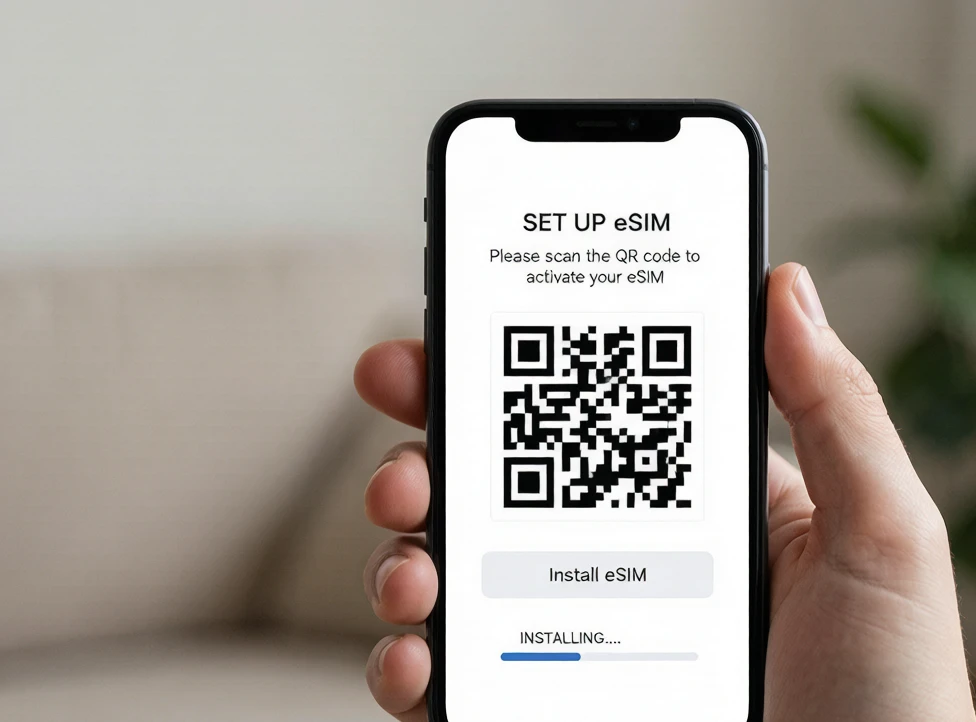
An eSIM is the easiest way to get data in China: buy before you fly, activate when you land, skip the airport SIM queue. The 2026 trick most travelers miss: eSIMs that route through Hong Kong, Japan or Singapore let your phone reach Google and WhatsApp with no separate VPN.
- Trip.com eSIM — cheapest for a typical trip (from ~$4–9 for a week of maps-only use); buy it in the same app as your flights and trains.
- Airalo — the familiar capped-data app with clear GB tiers and easy top-ups; great if China is one stop on a longer trip.
- Holafly — unlimited data; some plans include built-in firewall bypass, so no VPN needed. Pricier (~$19+ for 5 days).
- Nomad / Saily — flexible daily plans and extra security features respectively; both reliable inside China.
eSIM vs local SIM: a Chinese local SIM (China Mobile / Unicom) is cheaper for long stays but needs passport registration and connects to the mainland network — so it’s still behind the firewall and still needs a VPN. An international eSIM avoids the registration and, on Hong Kong/Singapore routes, avoids the VPN too. Activate your eSIM before departure (it needs internet to download the profile) and keep your home SIM on for bank SMS.
Compare China eSIM plans side by side →
Alipay — the app you’ll use most
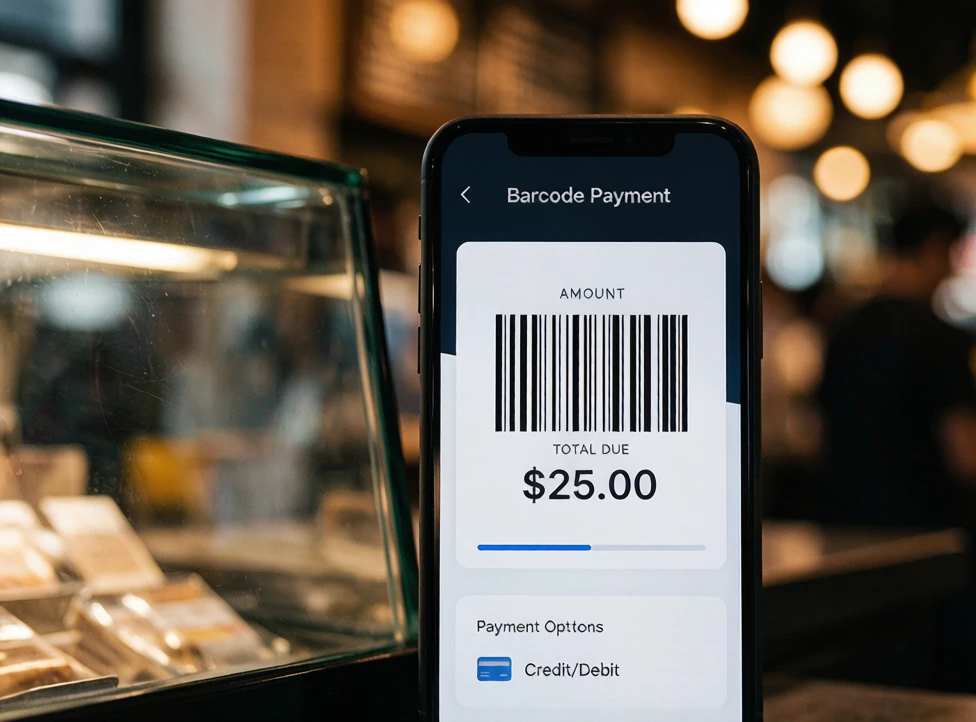
Cash is fading fast in China. Alipay pays for noodles, metro rides, groceries and street snacks. Good news for 2026: as a foreign visitor you link an international Visa or Mastercard directly in the app — no Chinese bank account needed.
- Download the international Alipay (App Store / Google Play; it detects your country and offers English). Do this before you arrive — app stores are harder to reach inside China.
- Link a foreign card — Visa and Mastercard work best; JCB is fine in many cases; American Express support is limited, so don’t rely on it. Verify your passport (quick face scan) to raise limits.
- Pay by QR — scan the merchant’s code or let them scan yours. The transaction is instant.
- Fees: payments of ¥200 or less are fee-free; above ¥200 a 3% service fee applies. Your card issuer may add its own 1–3% foreign-transaction fee, so check your terms.
Alipay works in virtually all major cities and chains. A few rural vendors, tiny family shops or older stalls may still prefer cash or WeChat — that’s why carrying both apps (and a little cash) helps.
Full Alipay setup, step by step →
WeChat Pay — set it up as backup
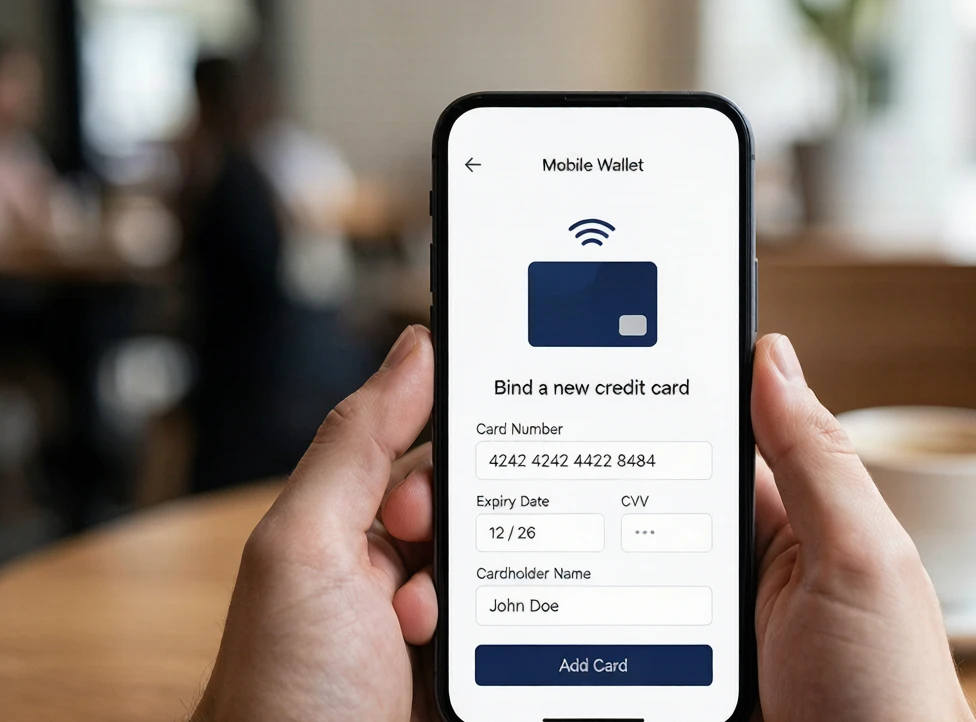
WeChat is messaging, payments, transport cards, restaurant menus and hotel check-ins in one app. As a tourist you mostly need the payment part — and since 2023 you can link a foreign Visa, Mastercard or JCB without a Chinese bank account.
- One critical gotcha: a brand-new WeChat account must be verified by an existing user scanning your QR code. Do this before you fly — ask a friend, or your hotel can often help on arrival. You usually can’t start from scratch inside China.
- Verify your passport (face scan) and link your card under Me → Services → Wallet. The flow is stricter than Alipay’s, so set Alipay up first and treat WeChat as the backup.
- Same fee rule as Alipay: free at or under ¥200, 3% above. Limits are generous enough for normal travel.
- When WeChat matters: scanning restaurant menus, mini-programs for metro and bike rental, hotel digital keys, and the occasional vendor who takes only WeChat.
Alipay vs WeChat: full comparison →
Apps — download before you fly
Google Play and Google Maps are restricted in China, so install everything on Wi-Fi at home. These are the ones you’ll actually open:
- Pleco — the best Chinese dictionary; point your camera at a menu and it translates live.
- DiDi — China’s ride-hail, with an English interface; usually cheaper than street taxis.
- Amap (Gaode) / Baidu Maps — Google Maps doesn’t work well here; Amap has an English mode and is more accurate locally. Apple Maps works as a fallback.
- Trip.com — trains, hotels and flights in English, often easier than the official railway app.
- Alipay, WeChat, your VPN app and your eSIM app — obviously.
The complete China apps list →
Frequently asked questions
Do I need a VPN in China?
If you want Google, Gmail, WhatsApp, Instagram or YouTube, yes — they’re blocked on the mainland network. The work-around is a VPN, or an eSIM that routes through Hong Kong/Singapore (some plans reach those sites with no VPN). Set it up and test it before you leave.
Can I use Alipay or WeChat Pay without a Chinese bank account?
Yes. Both apps let foreign visitors link an international Visa or Mastercard directly — no Chinese bank account required. Verify your passport in the app to raise spending limits.
Does Alipay accept American Express?
Support is limited and inconsistent, so don’t rely on Amex. Use a Visa or Mastercard as your main card, and keep a second card in case one is declined.
eSIM or a local SIM card?
For a short trip, eSIM wins: no passport registration, buy and activate before you land, and Hong Kong/Singapore routes skip the firewall. A local SIM is cheaper for long stays but needs registration and still sits behind the Great Firewall, so you’d still want a VPN.
Can I use Google Maps in China?
Not reliably — it’s blocked and often inaccurate on the mainland. Use Amap (Gaode) or Baidu Maps; Apple Maps works as a rough fallback. Download offline areas before you arrive.
Is WeChat Pay hard to set up?
It’s stricter than Alipay: a new account must be verified by an existing WeChat user scanning your code, and the settings are more Chinese-language. Set Alipay up first, then do WeChat as backup, and do both before you fly.
Got the digital setup? Now plan the trip.
You know how to stay connected and pay like a local. Let us map the days around that — a custom China itinerary built for first-timers, with real cities and real logistics.
Practical first-trip China guides — visas, VPN, eSIM, Alipay, trains, and city routes.